93. Synthetic Data Generation Pipeline workflow
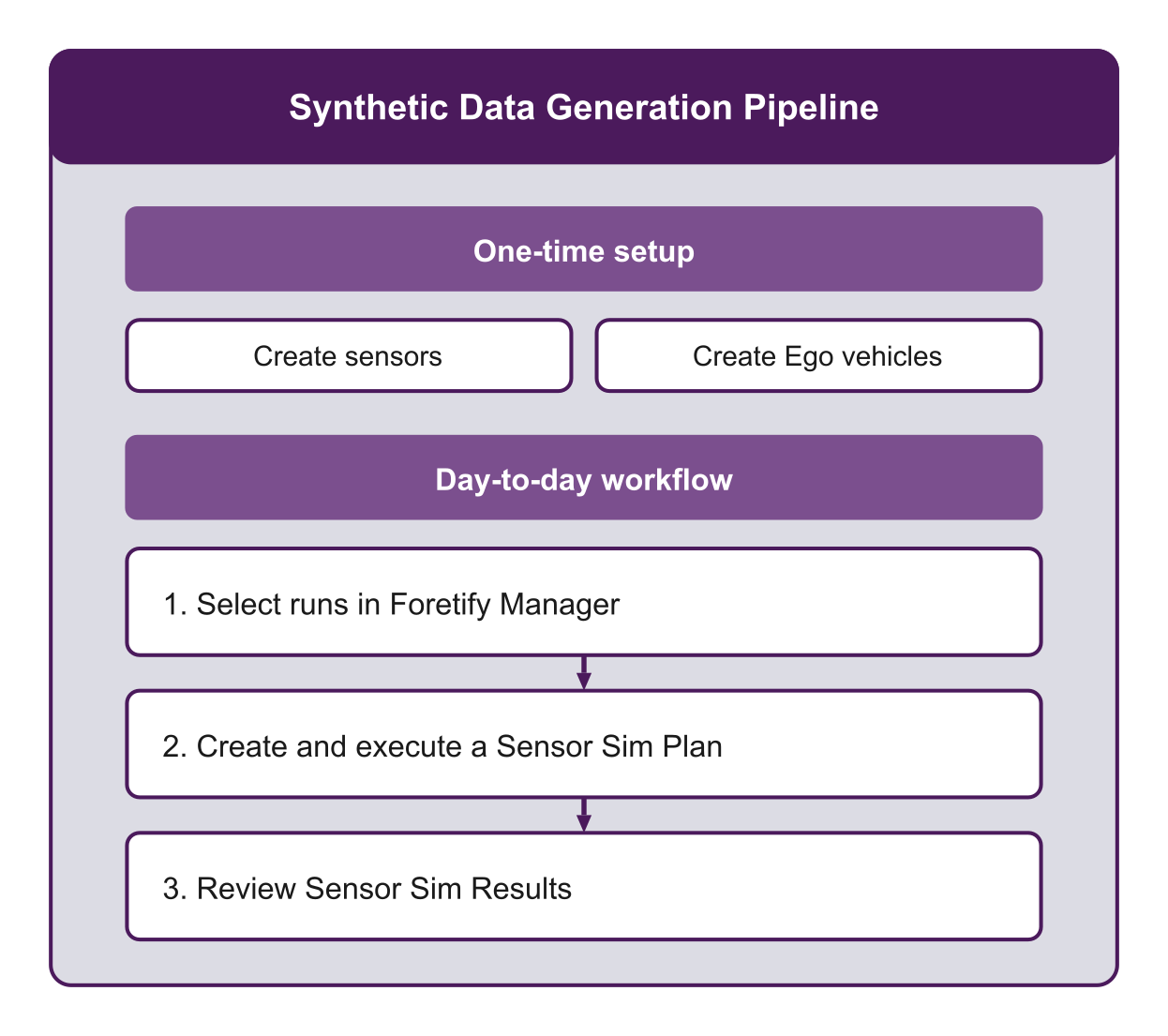
The Synthetic Data Generation pipeline produces sensor simulation data from runs in Foretify Manager. Once you configure your sensors and Ego vehicles, you can generate sensor data for any set of runs. The results are available for playback, analysis, and export.
93.1 One-time setup
Before you can create a Sensor Sim Plan, you need to set up your sensors and Ego Vehicles. This is typically a one-time setup — once you have your sensor configurations and Ego Vehicles defined, you can reuse them across multiple Sensor Sim Plans.
-
Create sensors — Create and configure the sensors you need for your simulation environment (cameras, lidar, radar).
-
Create Ego vehicles — Create an Ego vehicle, attach sensors to it, and configure their positions and orientations.
93.2 Day-to-day workflow
The day-to-day Synthetic Data Generation pipeline follows a three-step workflow.
-
Select runs in Foretify Manager
In Foretify Manager, browse the available runs, and select the ones you want to generate sensor data for.
-
Create and execute a Sensor Sim Plan
From the selected runs, create a Sensor Sim Plan, choose an Ego vehicle, configure environment settings, and run the sensor simulation.
-
Review Sensor Sim Results
Play back generated sensor video, replay object-level simulations in Foretify, explore data in Voxel51, or download the sensor data. For full details, see View Sensor Sim Results