234. OSC2 syntax highlighting in Visual Studio Code
The following procedure enables syntax highlighting of OSC2 code in the Visual Studio Code IDE.
- In Visual Studio Code, open File > Preferences > Extensions (Ctrl-Shift-x).
- Open the ... menu on top.
-
Select Install from VSIX... and select the file with the
.vsixextension in the directory:$FTX/tools/vscode-extensions/ocs2_syntax_support/
Once installed, any file with the extension .osc displays syntax highlighting according to this extension.
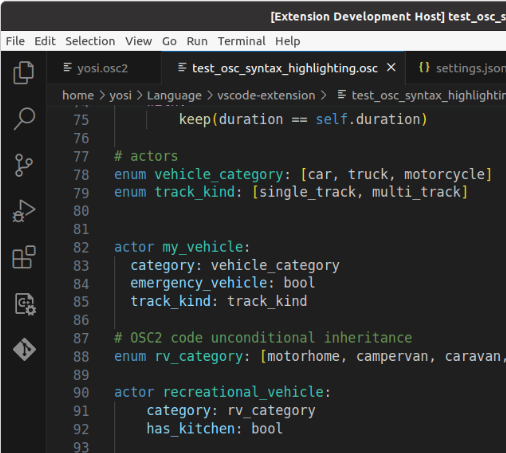
Files with the extension .tosc also display highlighting of the special FRun template plugins. (See Using FRun.)
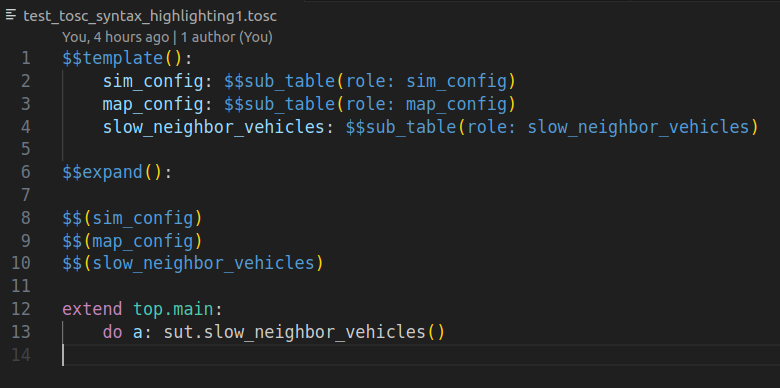
The colors used depend on the selected color scheme.