12. Review scenario
There are the two ways to review updated coverage of a scenario.
-
- Playback provides an immediate replay of all visible actors without launching a full simulation job.
- No physical calculations are performed during playback; it is intended for quick visual validation of selections and edits.
-
- Preview provides a more realistic representation of how the scenario will appear compared to basic playback.
- It runs significantly faster and is less resource-intensive than a full simulation, enabling quicker iteration.
- Real-world actors follow their denoised trajectories in Preview mode.
12.1 Playback modified scenarios
-
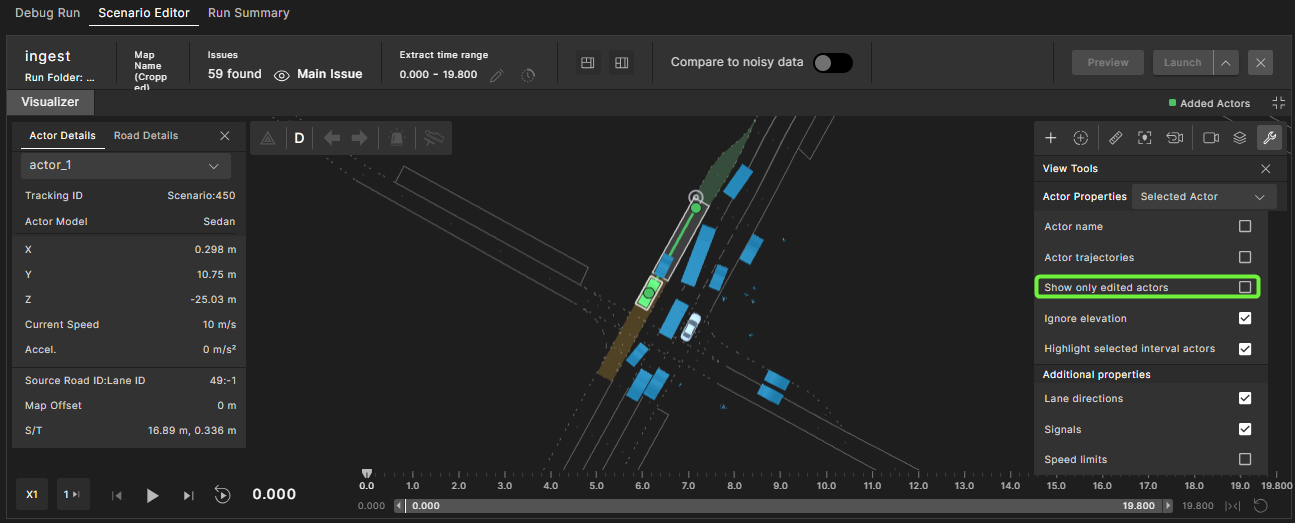
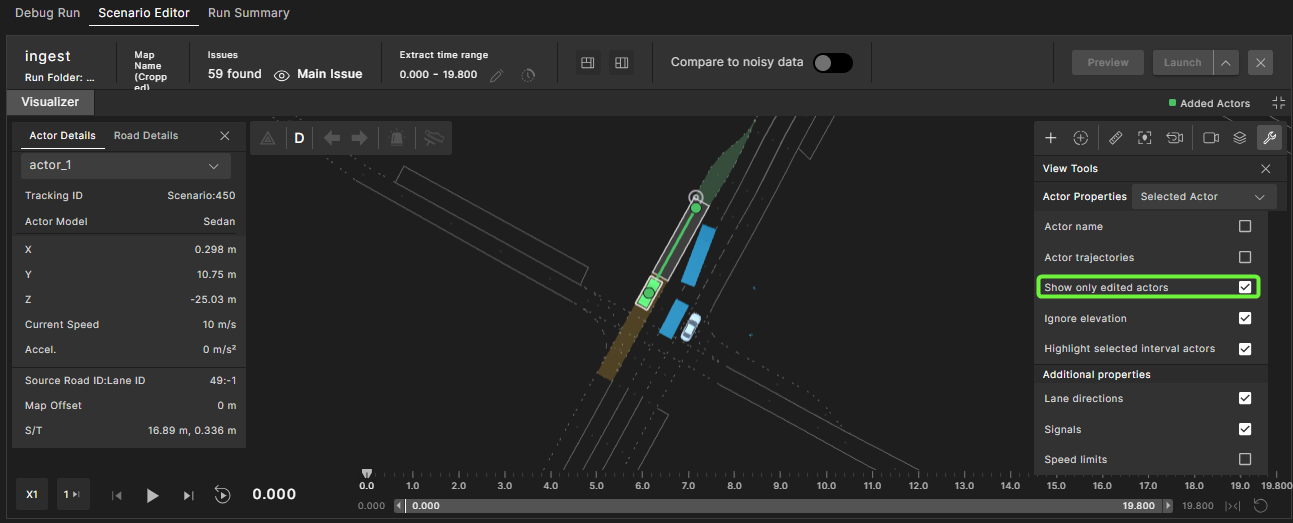
Toggle the Show only edited actors checkbox to see only the selected actors.
-
Off: All actors are visible.
-
On: Only the selected/edited actors are visible.
-
Click the Play icon to playback in the editor.
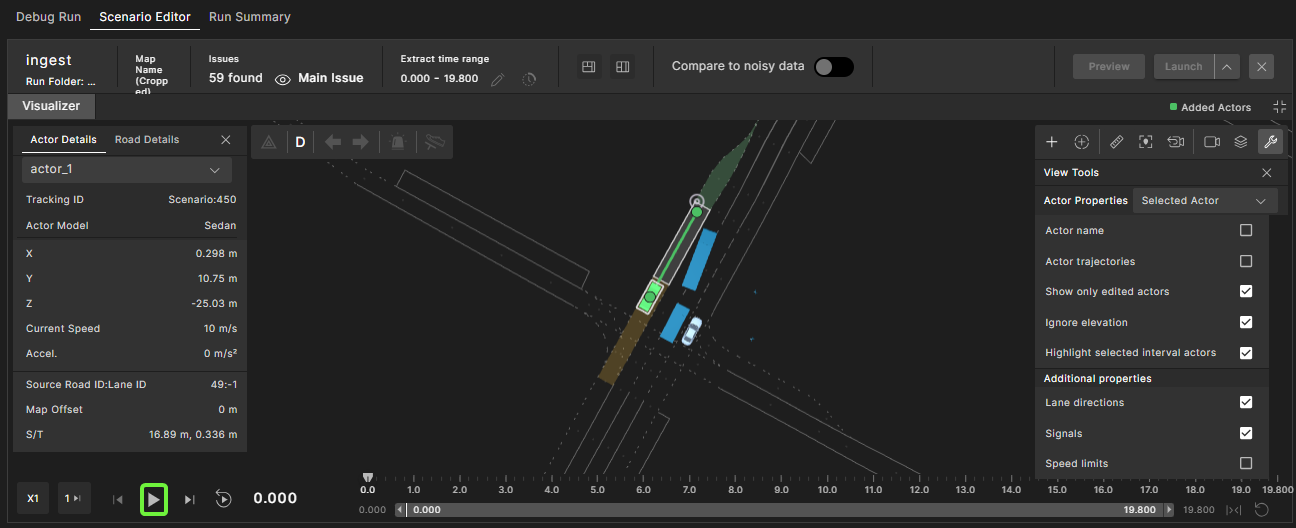
All visible actors are immediately replayed without launching a full simulation job.
12.2 Preview modified scenarios
-
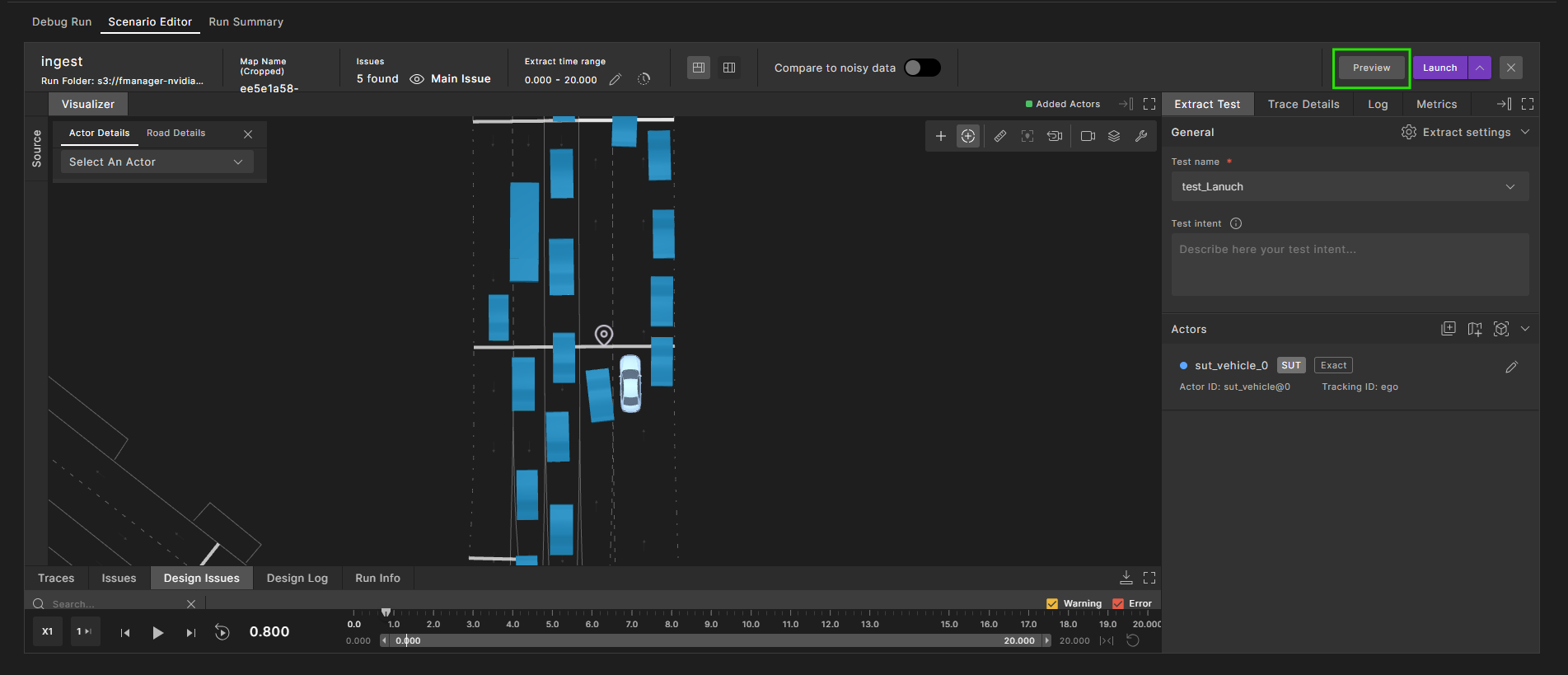
Click Preview to run a fast simulation using Model SSP.
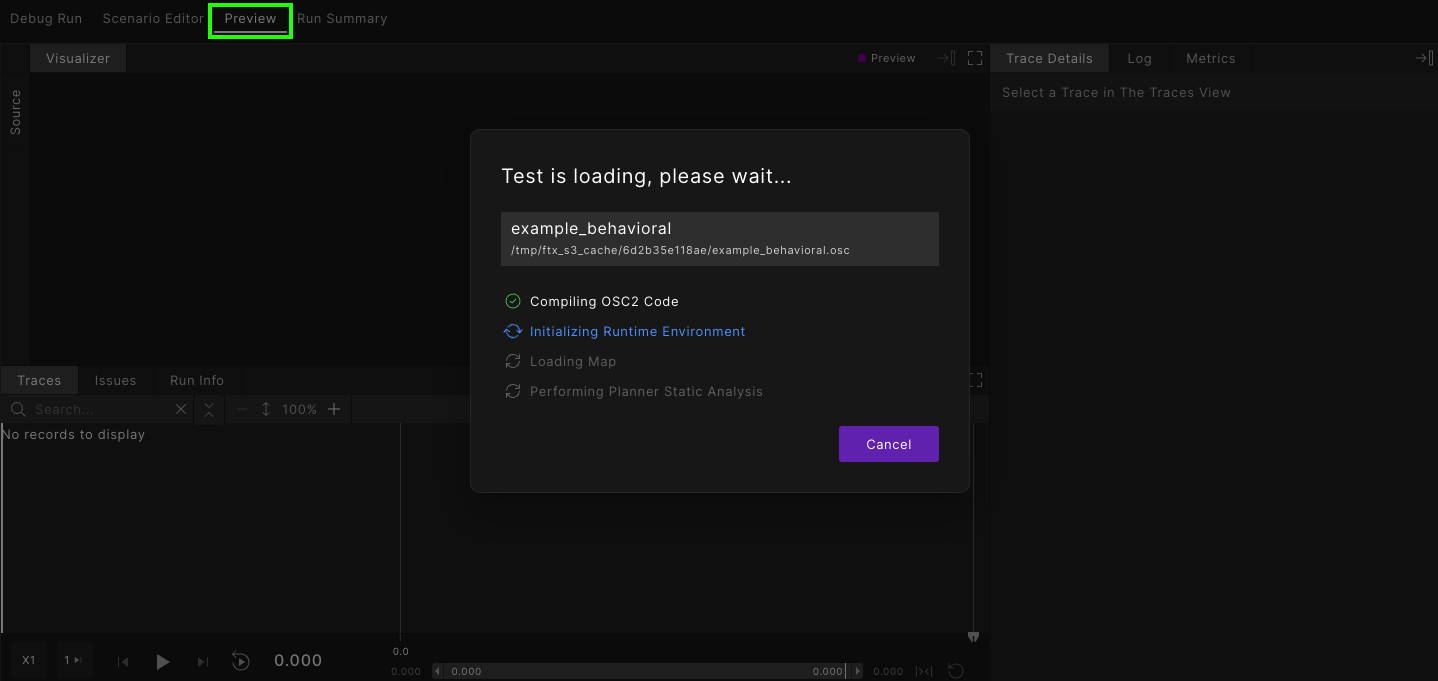
A new tab opens showing the status of the test being loaded.
-
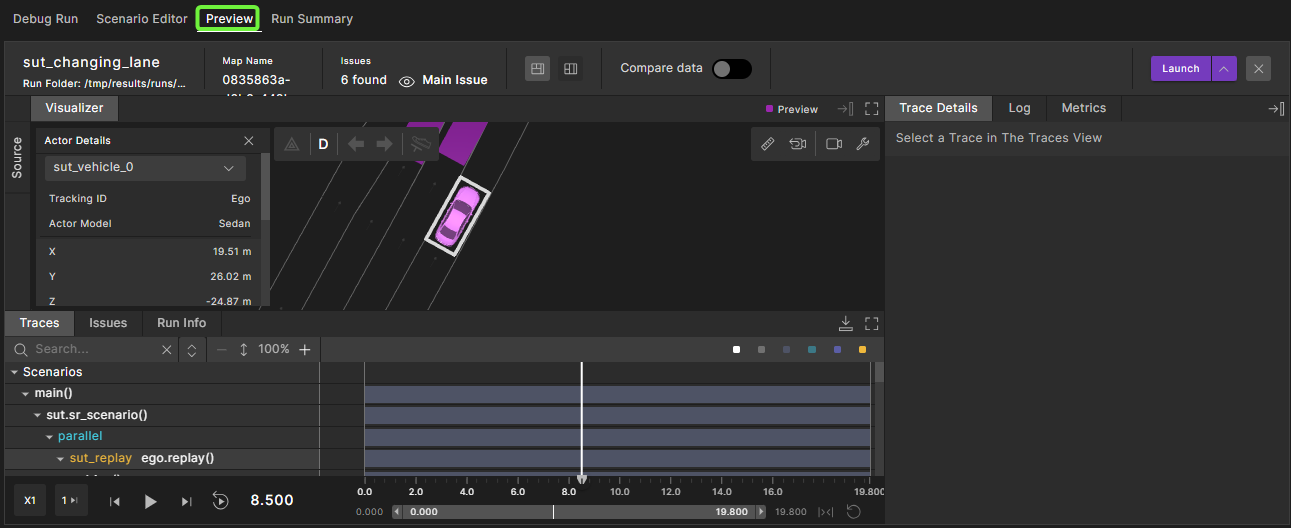
When the simulation completes, the results are displayed in the Visualizer for review.
-
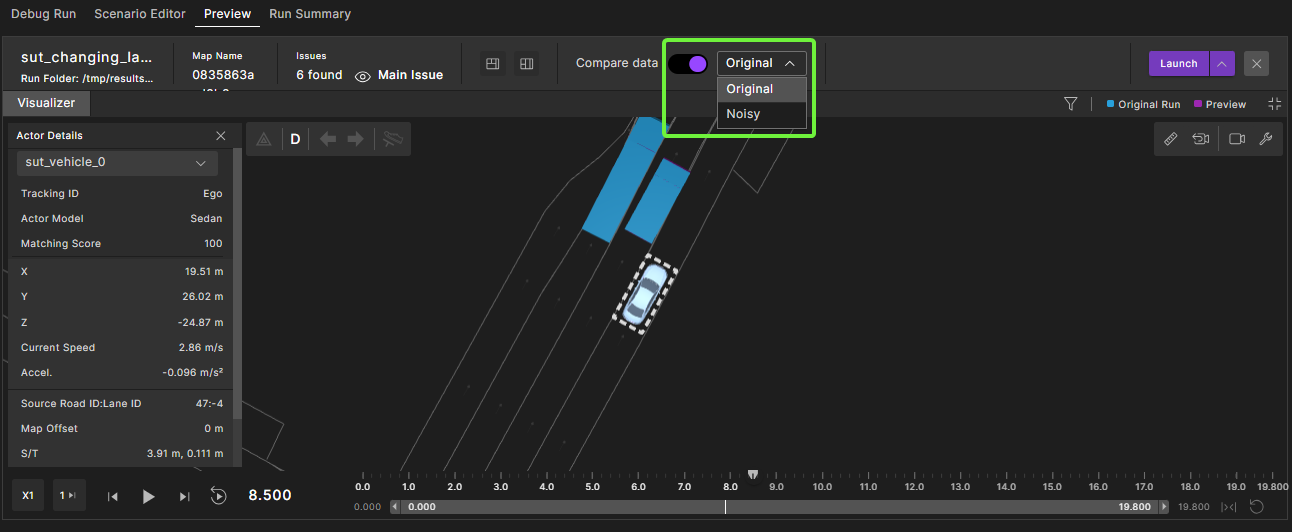
Use the Compare data feature to visually inspect and compare the current run with the noisy data, or with the original run (the denoised run before modifications).
Toggle the display by selecting Original or Noisy from the drop-down menu.