15. Export
15.1 Single run export
After importing a ClipGT, you can export runs from the Single Run Debugger at any stage of the workflow. You can export immediately after import, which produces a denoised version of the clip, or after making modifications, running the simulation, and reviewing the results.
-
In the toolbar, click Custom Action and select Export ClipGT.
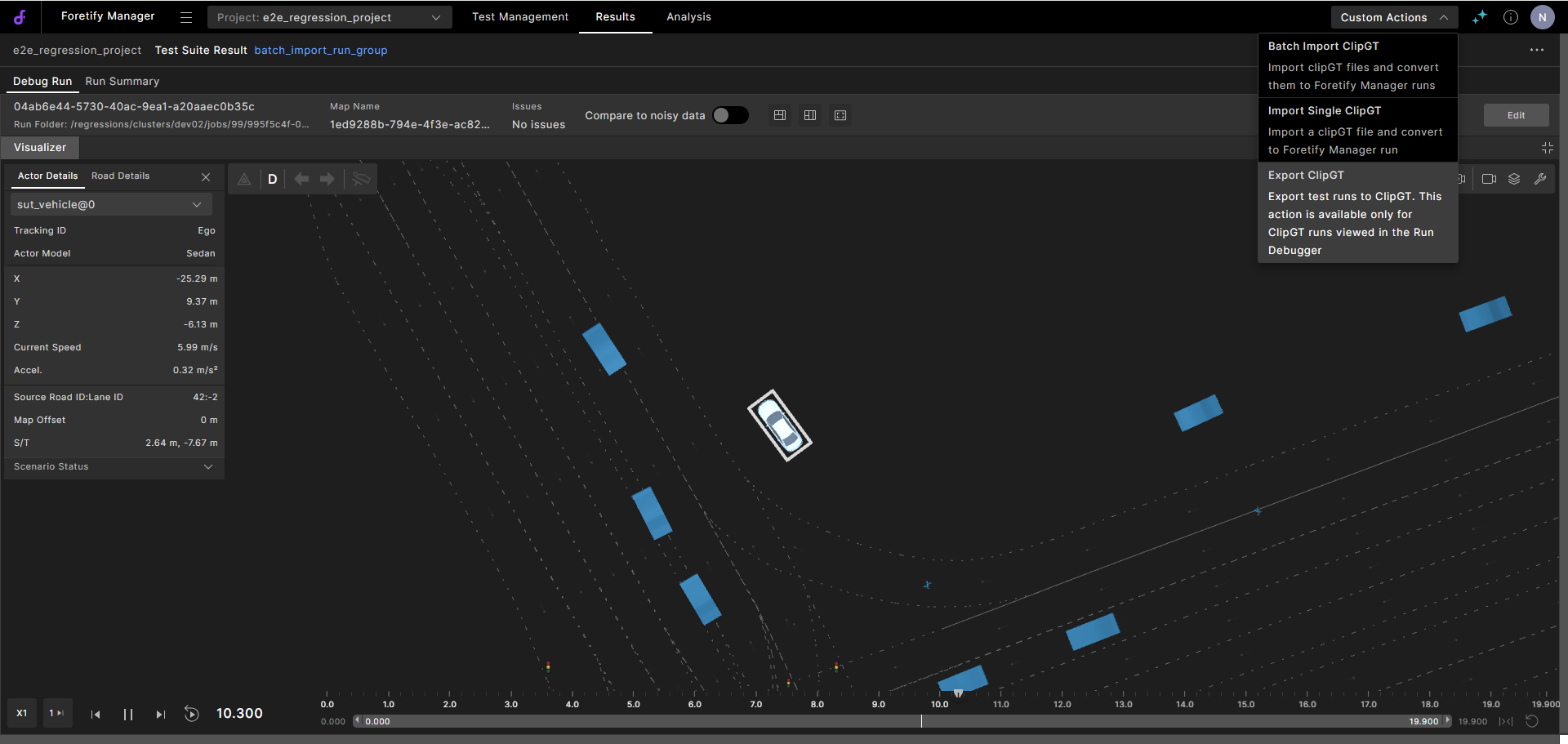
The export starts and a status message displays.
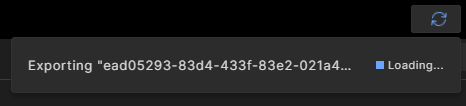
-
When the export is complete, the dialog indicates that the export has completed. Click Download to save the new ClipGT file.
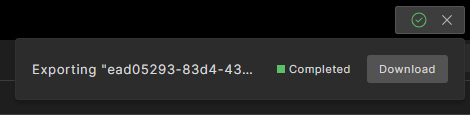
The ZIP file is downloaded to your local machine.
Go to Results/Flow Executions to view details of the exported ClipGT file, and to view or download the log file.
-
Single-run ClipGT export files have clipGT_export in the Flow Definition column.
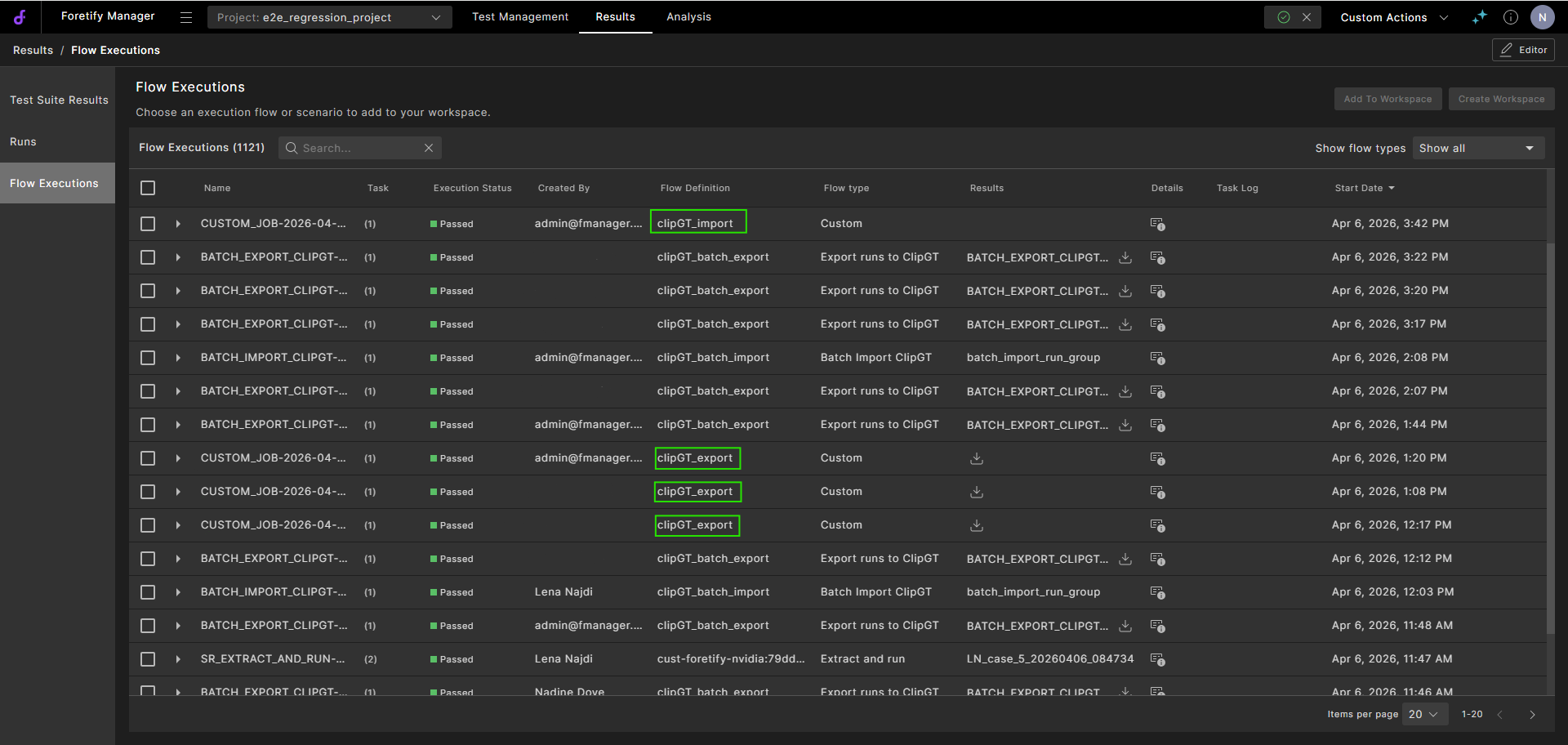
-
Click the
 Download Exported ClipGT icon to download the exported ClipGT file.
 -
Click the
 Details icon to view the flow execution details.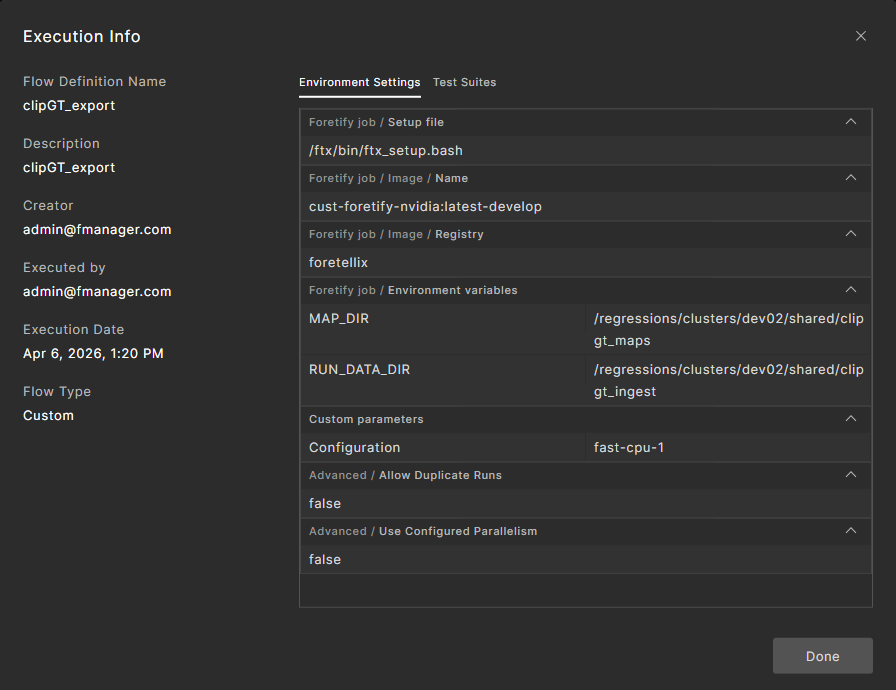
Click Done to close the dialog.
-
Expand the flow execution entry.
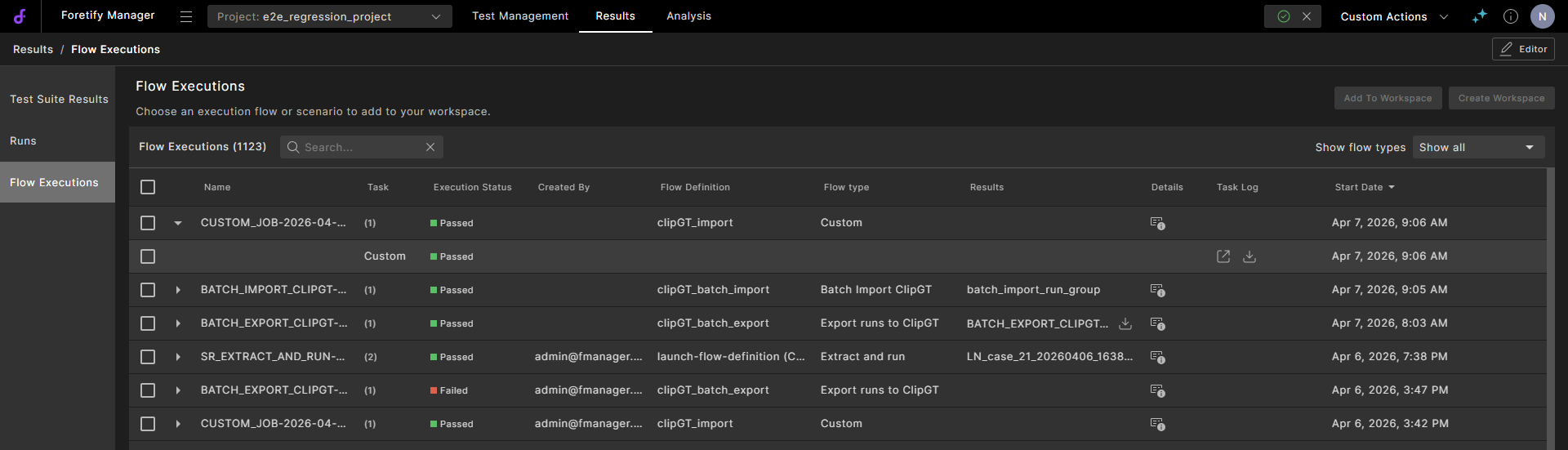
In the Task log column:
- Click the
 Open task log icon to view the log file.
 - Click the
 Download task log icon to download the log to your local machine.
- Click the
15.2 Batch export
Batch export lets you export multiple ClipGT runs at once. The system processes each run and packages the results into a single ZIP file for download.
Note
Only runs that have an original ClipGT file are eligible for batch export.
-
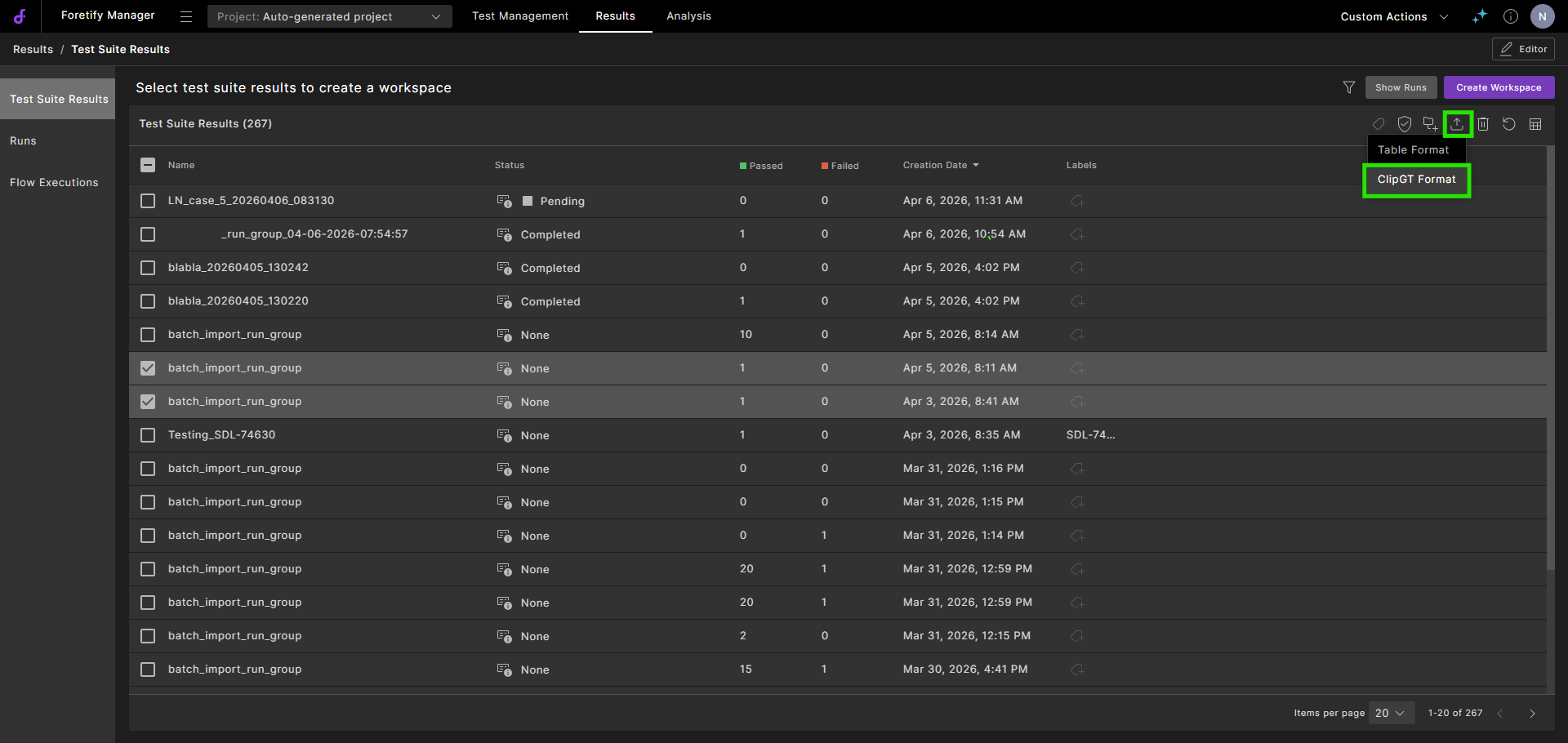
Select the runs to export:
- Select the checkbox for Test Suite Results or Runs outside a workspace.
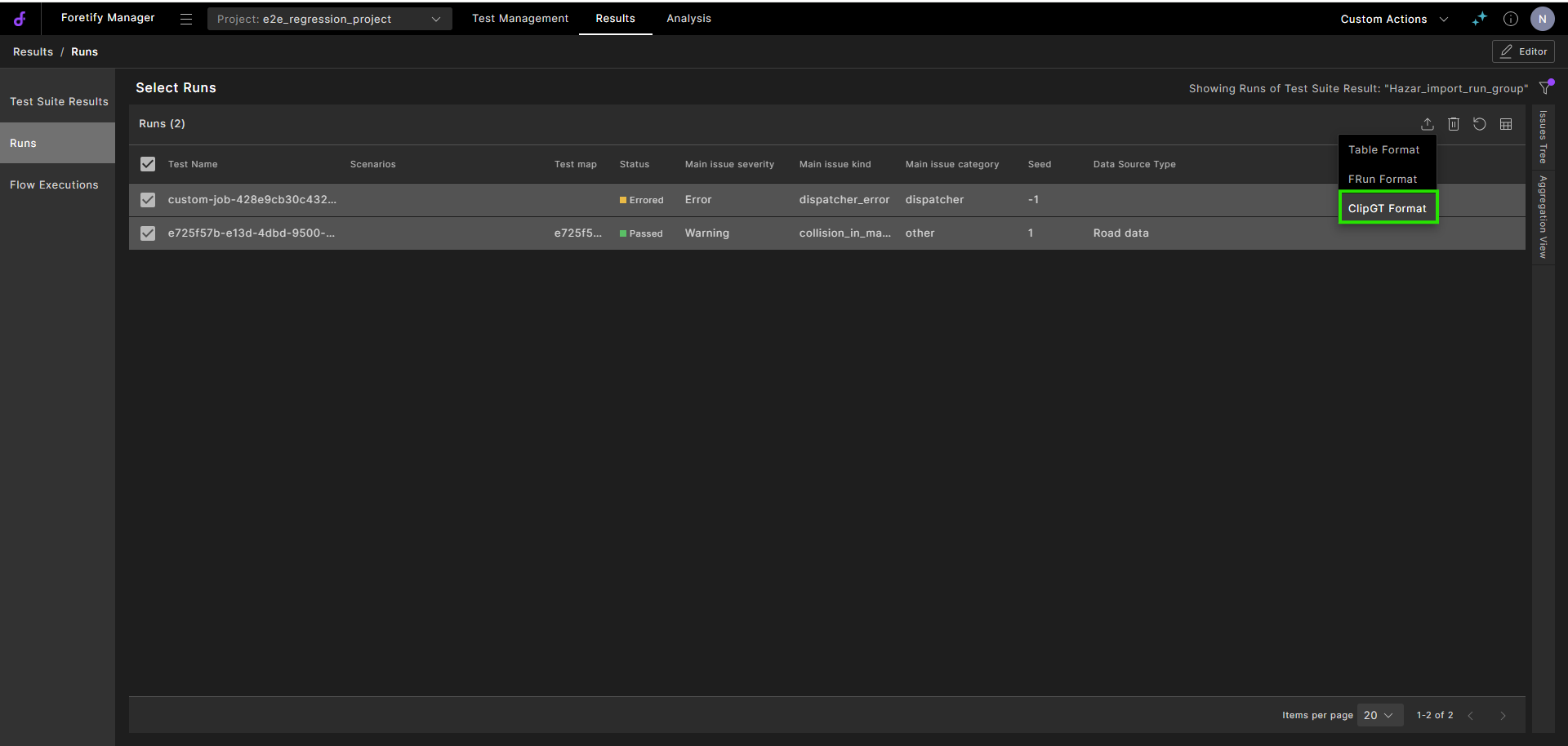
- In a workspace, select the Triage, Workspace Test Suite Results or Runs tabs, and in the runs tables, select the checkbox next to each run you want to export.
In the toolbar, click the
Export selected to icon and select Export Run to ClipGT from the dropdown.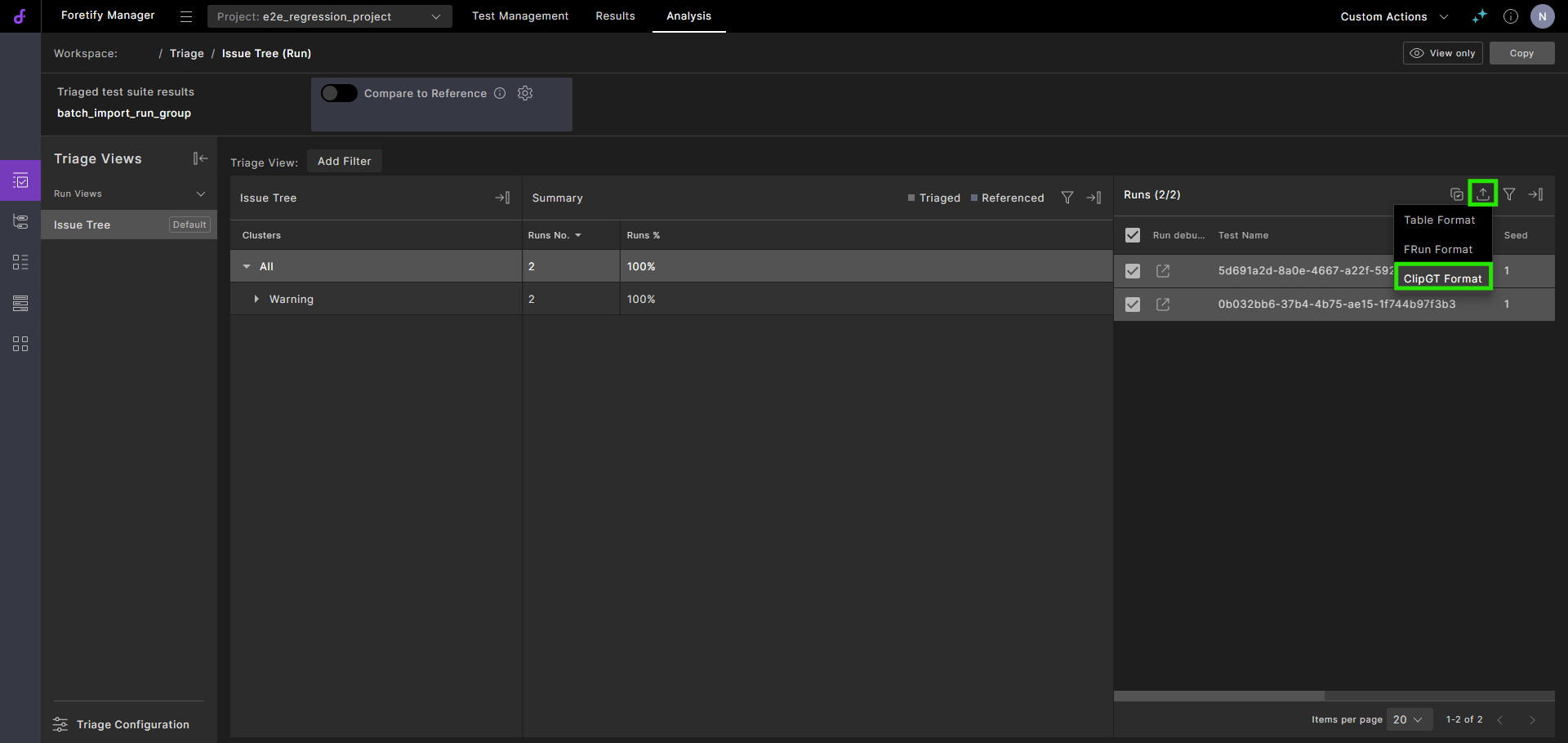
- In the Debug Run, click the three vertical dots and select Export Run to ClipGT.
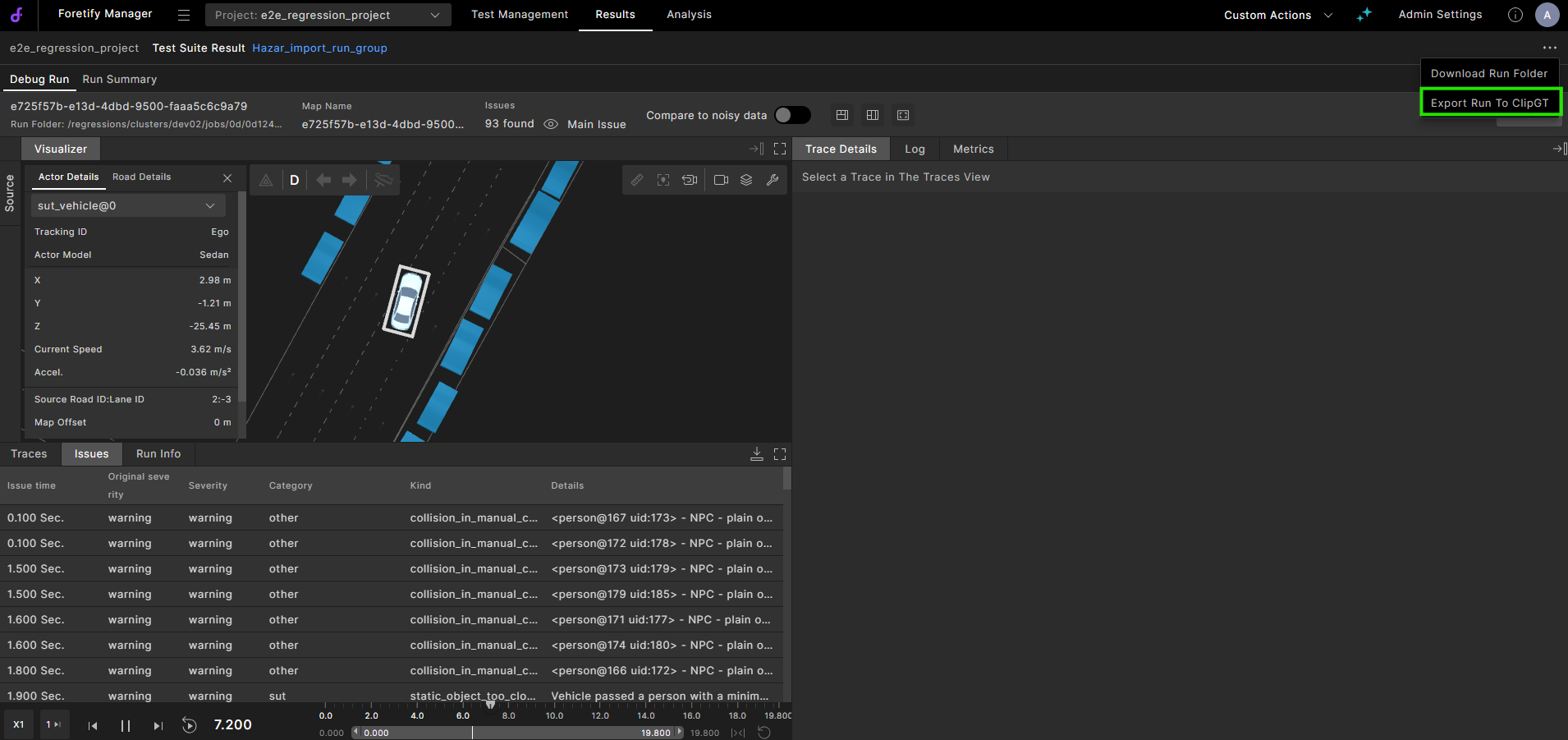
The export starts and the status displays.
-
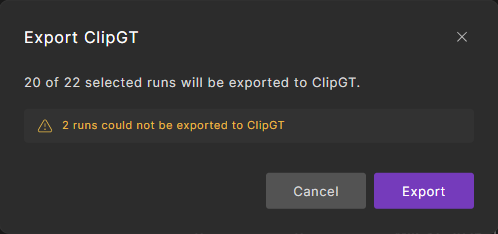
The export dialog opens, showing the number of selected runs and how many are eligible for export.
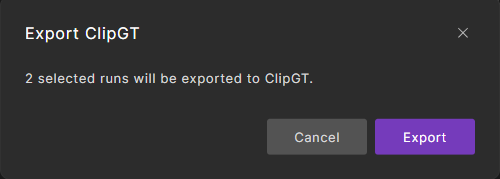
Any non-ClipGT files are excluded from the export process:
-
Click Export to start.
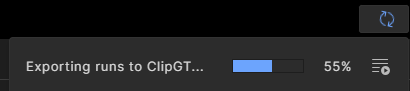
The export process begins, and the status displays.
-
When the export is complete, you have two options:
15.2.1 Go to Flow Executions
-
Click the
 Go to Flow Executions icon to go to the Flow Execution page.
 -
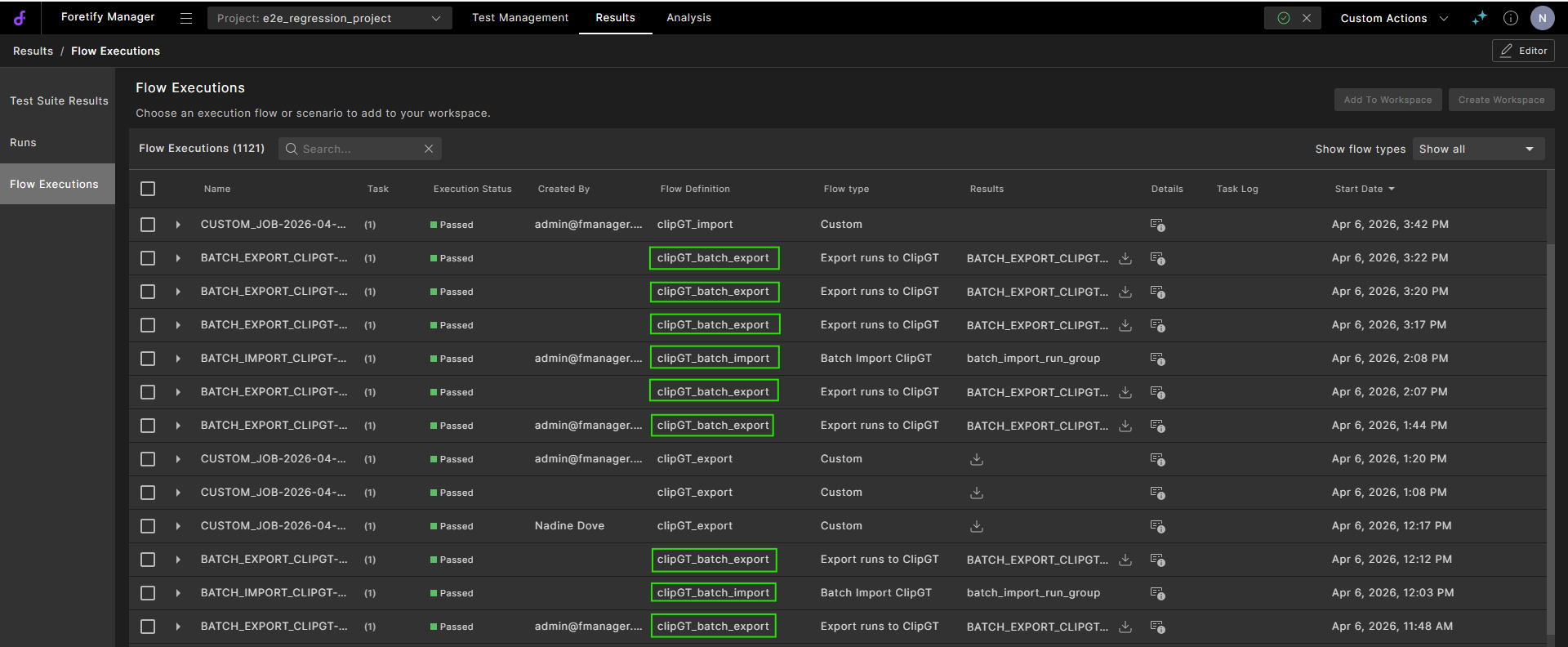
In Results/Flow Executions, you can view details of exported ClipGT files, download the files, and view or download log files.
Batch ClipGT export files have clipGT_batch_export in the Flow Definition column.
-
Click the
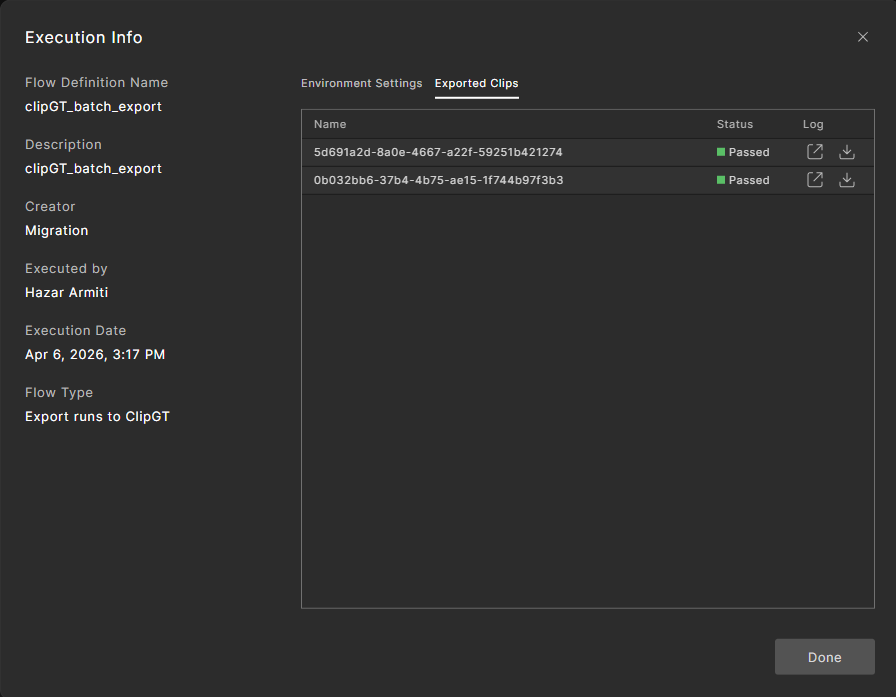
Details icon to view the flow execution details. -
Select the Exported Clips tab to view the status of the clips.
-
Click the
Open task log icon or the Download task log icon next to each clip to open or download the log. -
Click Done to close the dialog.
-
-
Expand the flow execution entry.
In the Task log column:
- Click the Open task log icon to view the log file.
- Click the Download task log icon to download the log file to your local machine.
- Click the
15.2.2 Download Exported ClipGT
Click the Download Exported ClipGT icon to save the ZIP file to your local machine.
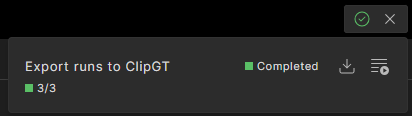
The ZIP file, named clipgt-batch-export.zip, contains one ClipGT file per exported run.