68. Providing permissions in VPlan
The VPlan permissions mechanism is similar to project permissions. The owner of each VPlan can assign access levels to specific users or groups, and set a default access level for the entire organization.
To provide permissions perform the following steps:
-
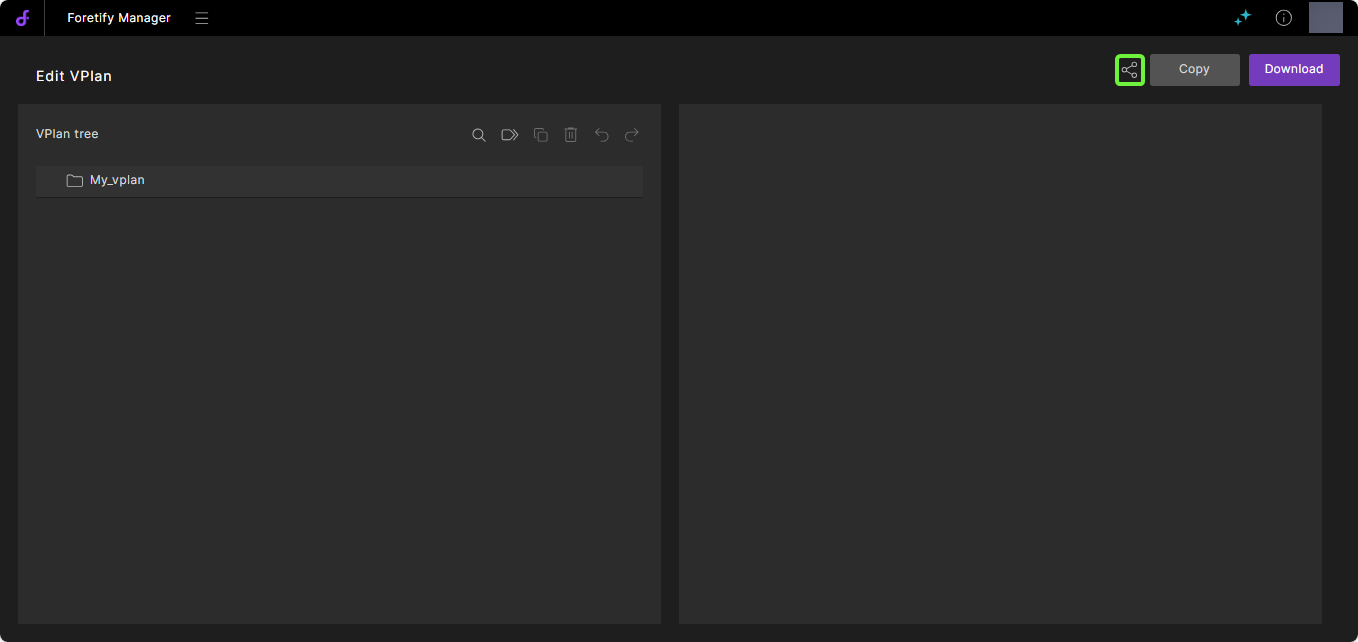
Open your VPlan.
-
Click the Share
 icon to open the Share dialog.
-
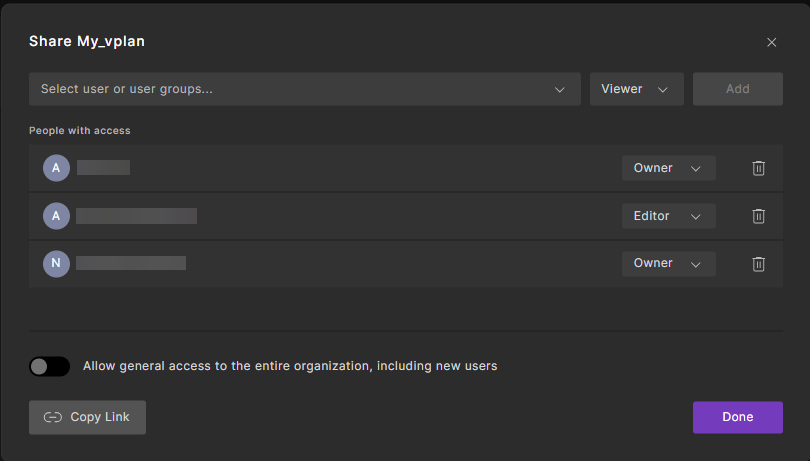
In the Share dialog, assign users, groups and permission levels.
a. Select the required users or groups, and assign the appropriate permission level to grant access:
- Owner: Can create, edit, delete and share the VPlan
- Editor: Can create, edit and share the VPlan
- Viewer: Can only view and copy the VPlan
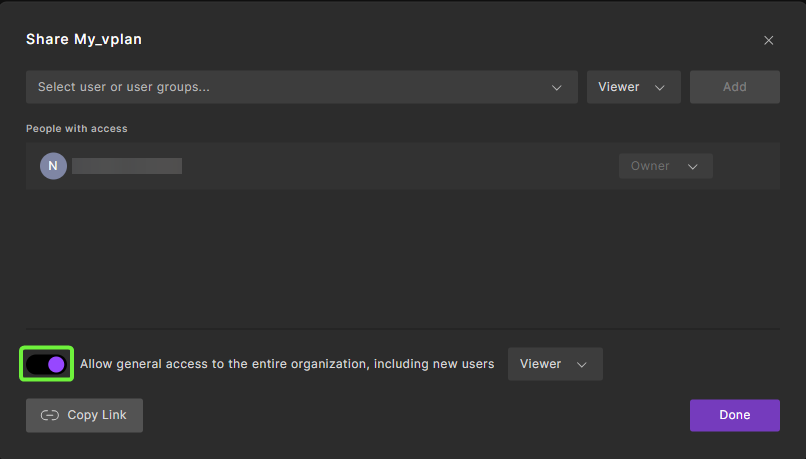
b. Toggle the Allow general access button and select a permission level to grant access to the entire organization, including new users.
-
Click Done to save your changes.