46. Working with projects
In Foretify Manager, a project is a hub for teams collaborating on a verification and validation (V&V) project.
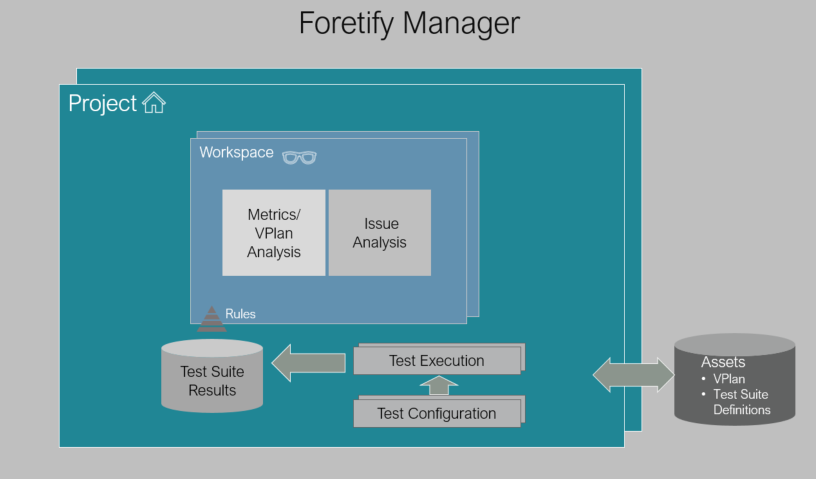
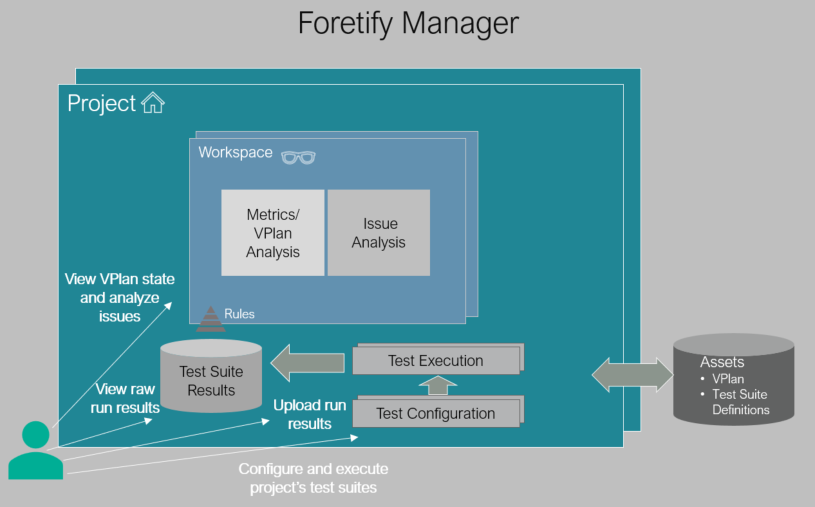
From a Foretify Manager project, you can:
- Set up and launch test suites.
- View test suite results.
- Analyze run issues.
- Set up workspaces for further analysis using coverage and KPIs.
- View dashboards that show you the status of your workspaces at a glance.
46.1 Navigate a project
You have access to a project when you create a project, or when a project owner adds you to a project. A project owner adds you by giving you permission to the project. This section walks you through the components of a project.
To access a project:
- Open Foretify Manager and log in with your Foretify Manager credentials.
-
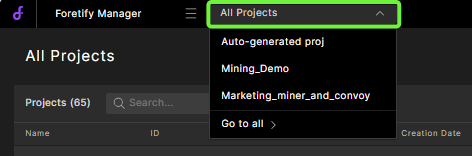
Select the Projects dropdown list and select a project.
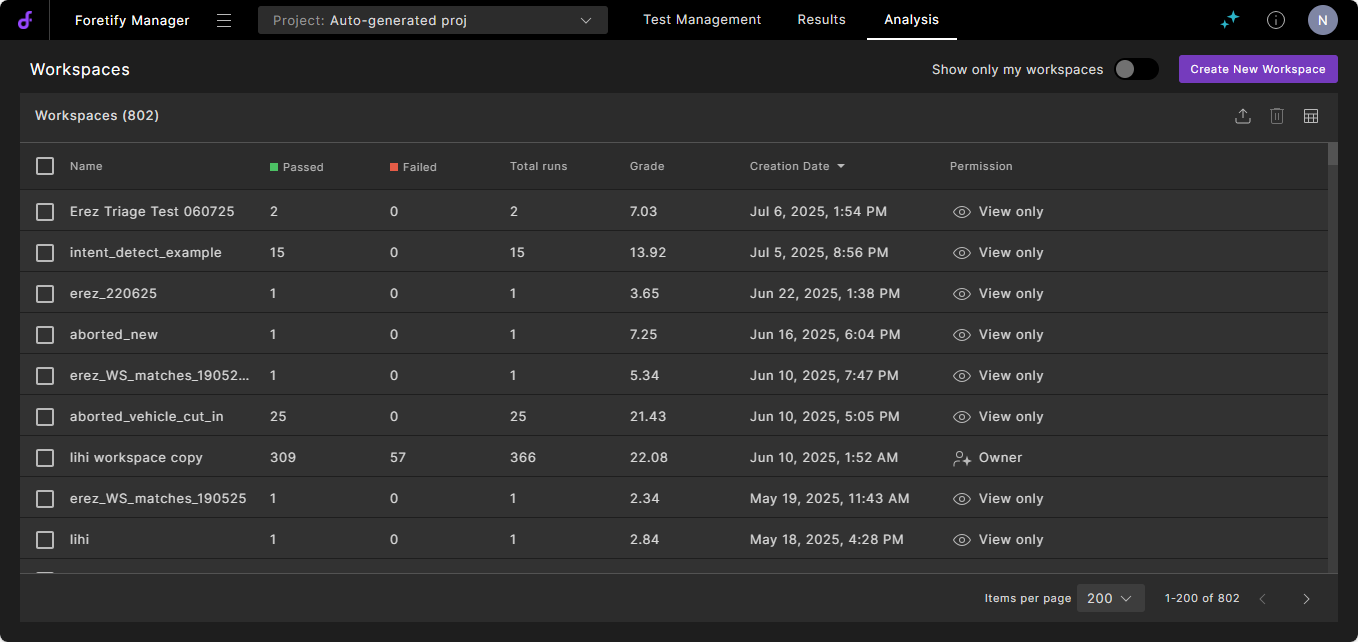
When you select the project, the project's workspaces are displayed:
-
Select a workspace to analyze test suites.
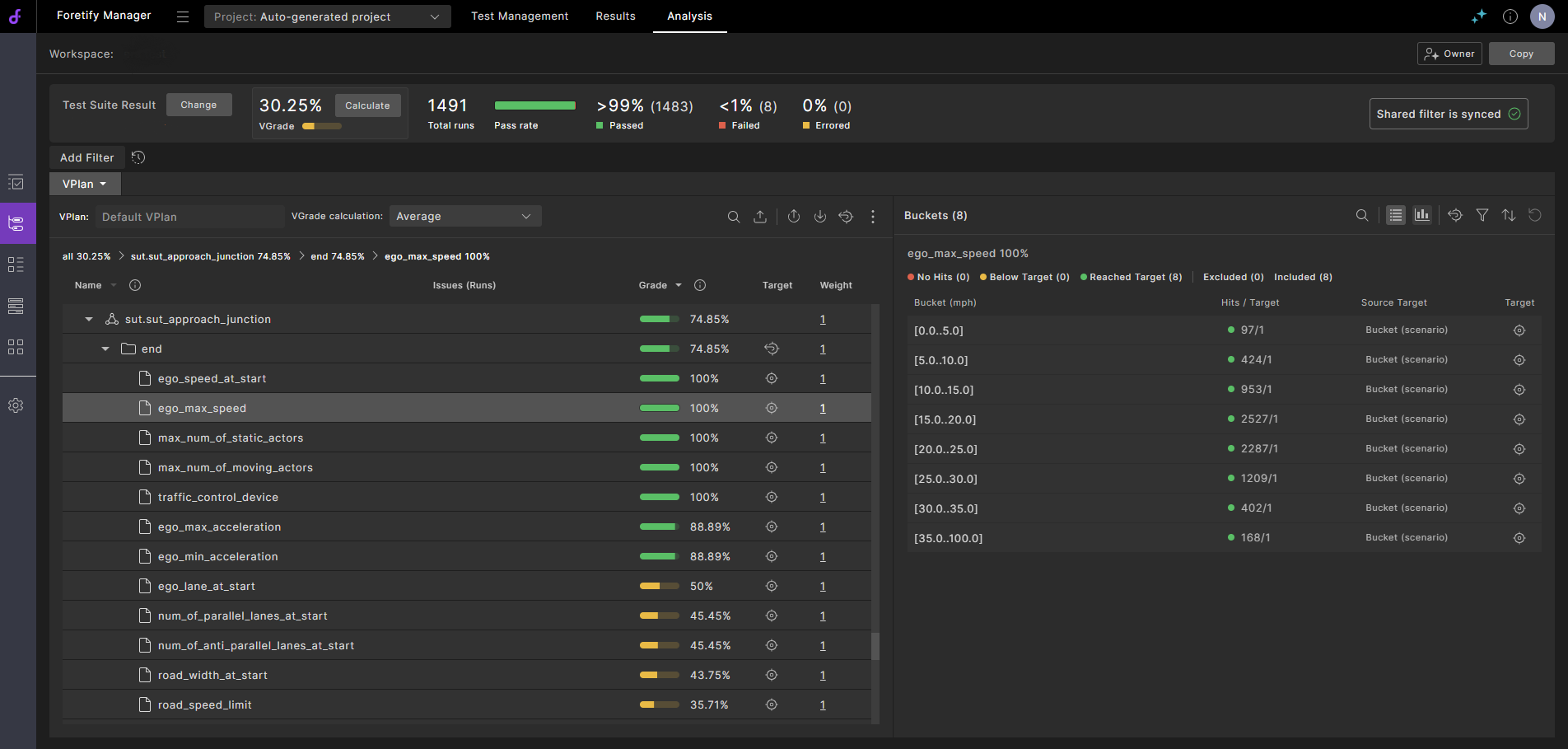
See Creating a workspace to learn more.
-
From the project, click Results > Test Suite Results to access your test suites.
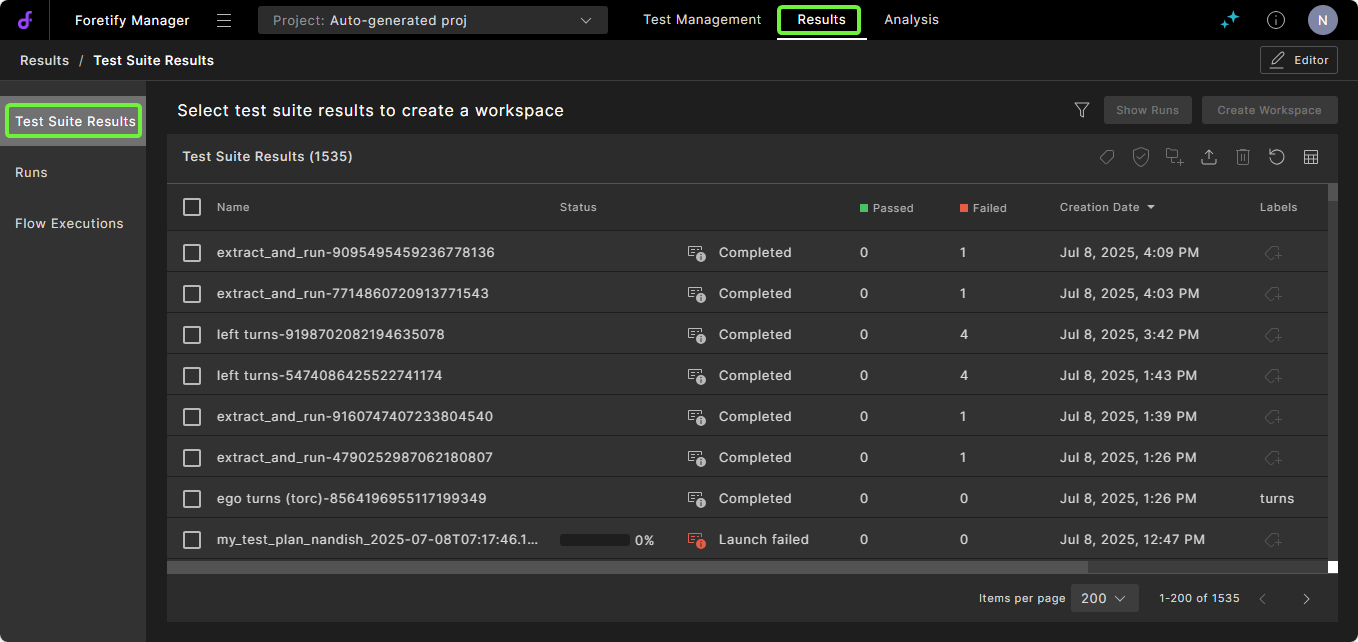
See Launching a test suite to learn more.
-
Click Results > Runs to navigate to the test suite runs.
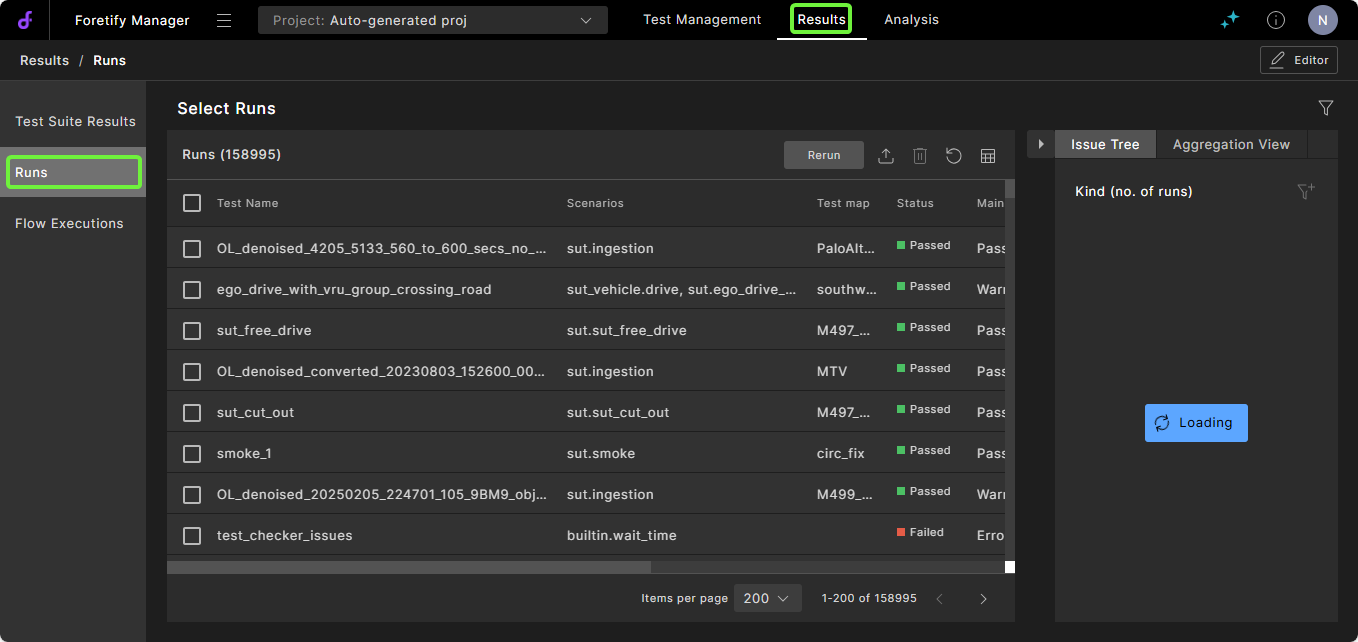
46.2 How teams use Foretify Manager projects
The following table shows Foretify Manager tasks by role.
| Role | Task |
|---|---|
| Manager or Senior V&V Engineer |
|
| V&V Test Engineer |
|