42. Reviewing test plans from test suite results
You can analyze the test plans that were used to create the workspace test suite results.
42.1 Navigating to the test plans
The following are the ways to navigate to the test plans:
42.1.1 Navigating to the test plans from the Change Test Suite Result box
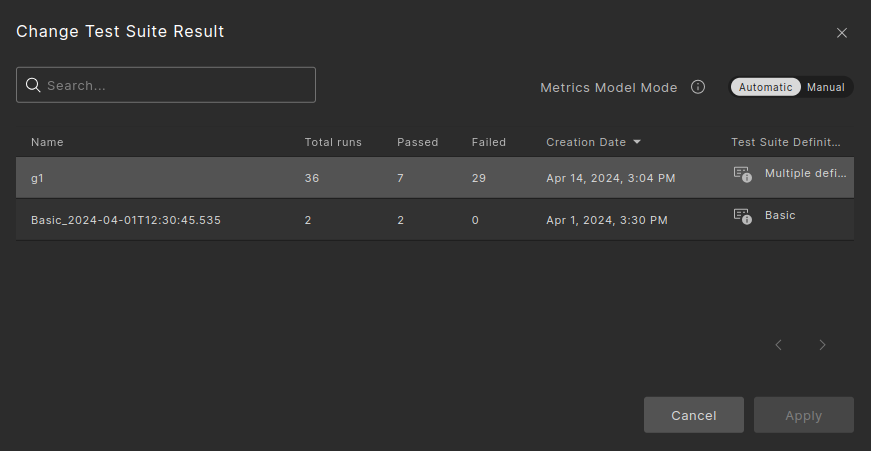
The following image depicts the Change Test Suite Result box where Multiple definitions will be shown for grouped test suite results that were executed with multiple test plans.
Under the Test Suite Results column, click the launch info icon. The launch execution info modal will open with the definitions that were used for those test suite results.

Note
With grouped test suite results, there may have been multiple test plans used for execution. You can navigate between the test plans that were used.
42.1.2 Navigating to the test plans from the Runs tab
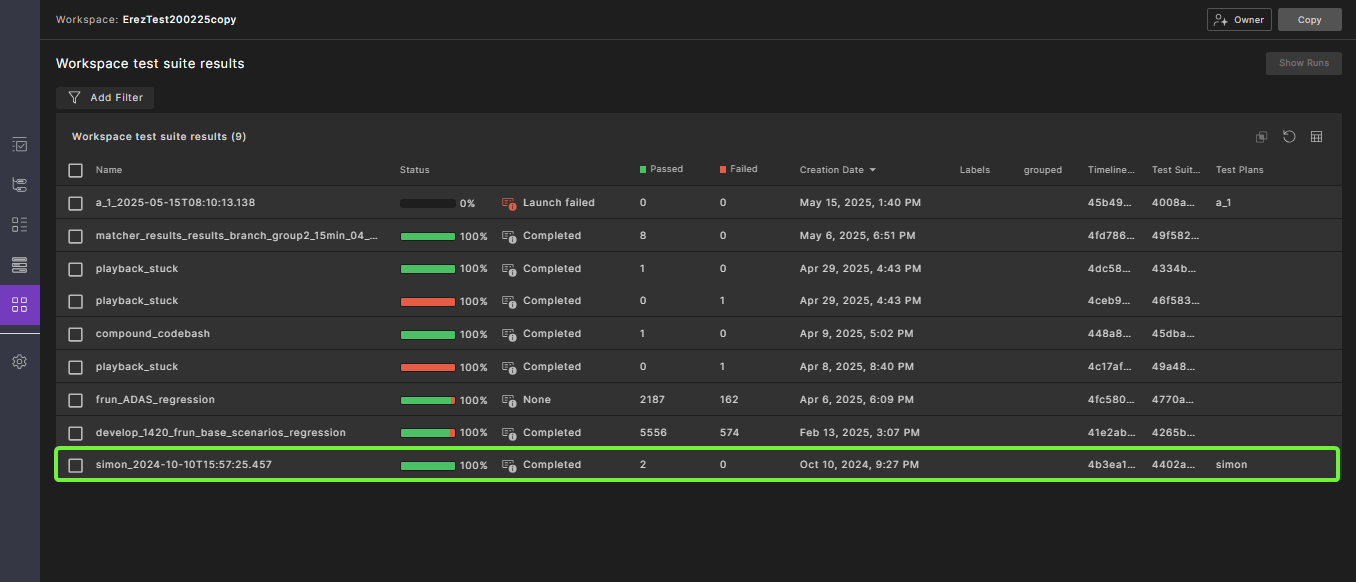
Add the Test Plans column to the Workspace Test Suite Results table (in project or workspace view). This column shows the test plan used to execute the run. Click the Launch Info icon to view detailed test plan information.
42.1.3 Navigating to the test plans from the Workspace Test Suite Result tab
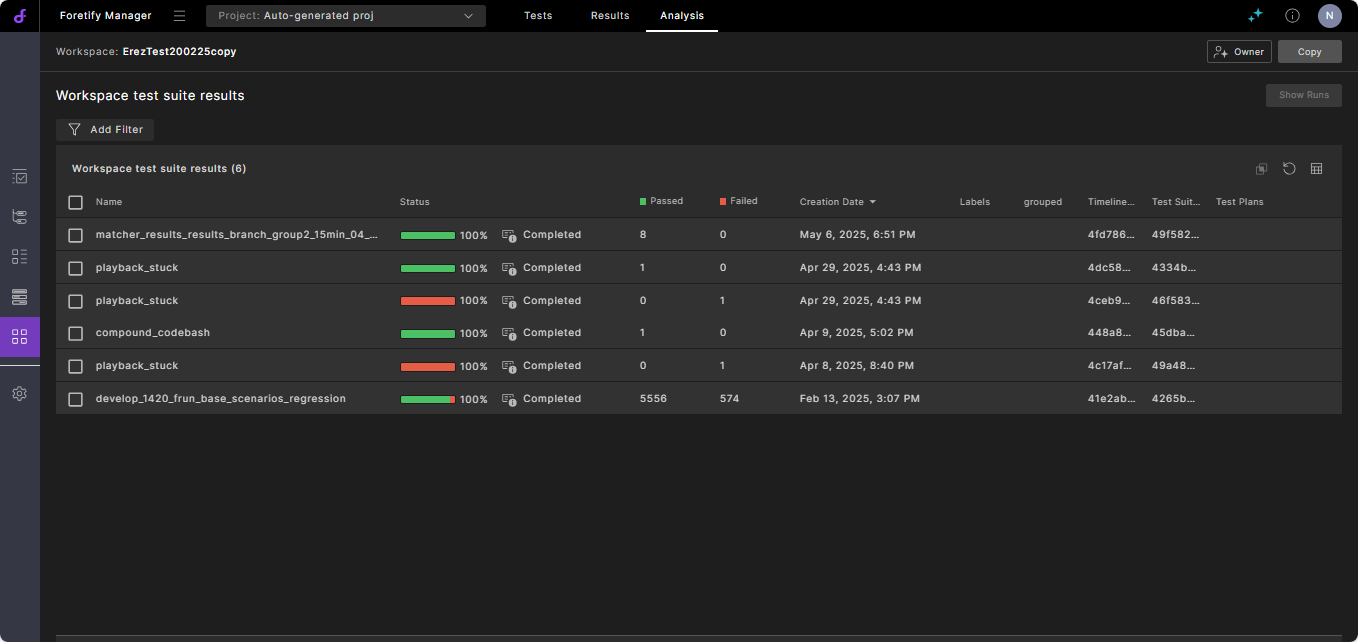
Add the Test Plan column to the runs table (in project or workspace views). The column content displays the test plan that was used to execute the run. Click on the launch info icon to browse the detailed test plan.
42.1.4 Navigating to the test plans from the Run Summary
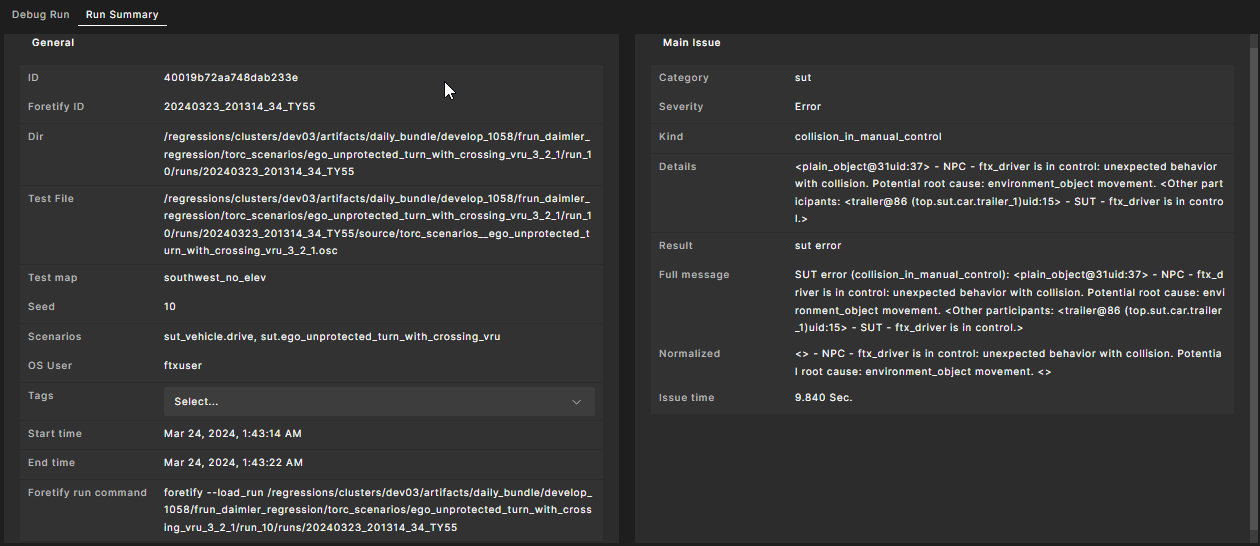
After launching the single run debugger, go to the Run Summary. A “Test Plan” attribute is available. You can click on the launch info icon to view the test plan details.
Note
The Change Test Suite Result will work only for runs that were executed with the release 24.08 and higher.